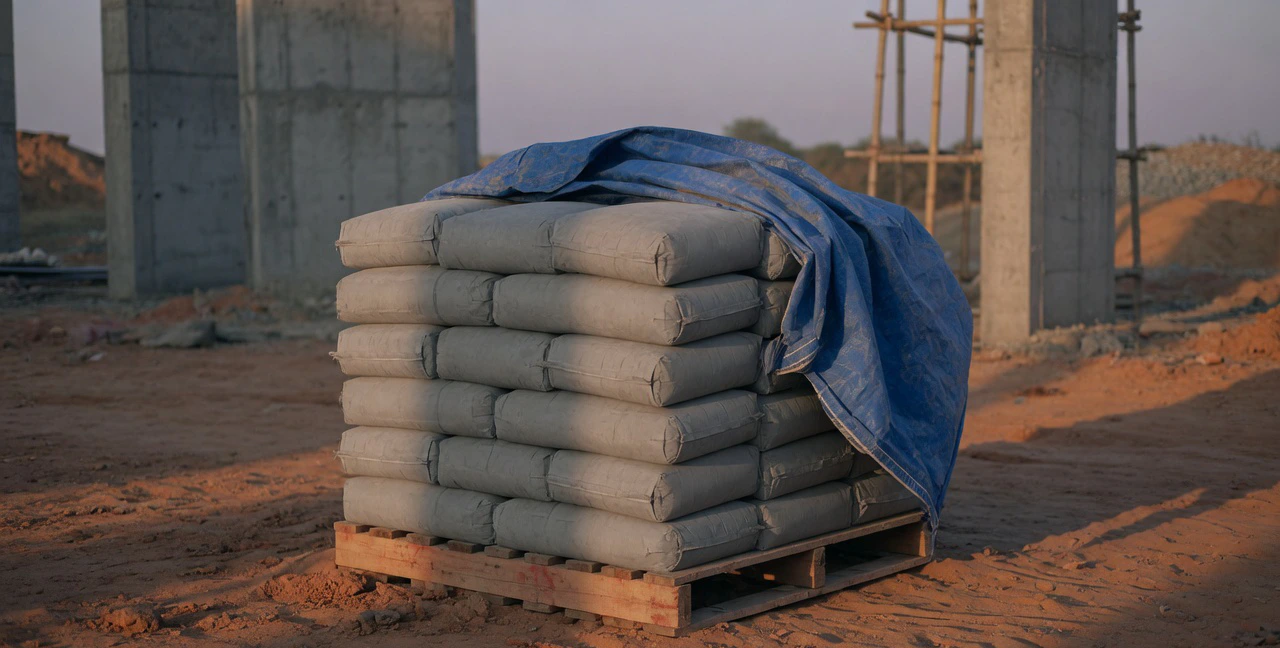


On many sites, material is requested with a phone call or a WhatsApp message: "send 300 bags tomorrow." The office then has to guess the grade, the quantity really needed, which work it is for and whether anyone approved it. A material request form, also called a material requisition, puts all of that on one page before anything is ordered. This guide covers the fields to include, a sample request, how approval should work, and a free Excel template.
What is a material request form?
A material request form is the site’s written request to the office or purchase team for material it needs. It is raised by the site engineer or supervisor, approved by the project manager, and then either met from stock or turned into a purchase order.
It is the first document in the material chain, and it sets up the ones that follow:
- Purchase order: purchase orders exactly what was described and approved, from the right supplier.
- Goods receipt: the store checks the delivery against the PO, and the GRN closes the loop back to the site’s need.
- Cost control: an approved request tagged to a BOQ item or cost code shows money about to be spent, before the invoice arrives. Our guide to budget vs actual explains why that matters.
Material request vs purchase order
| Material request | Purchase order | |
|---|---|---|
| Raised by | Site engineer or supervisor | Purchase team or office |
| Sent to | Your own office, for approval | The supplier |
| Says | What the site needs, how much, by when, for which work | What you are buying, from whom, at what rate and terms |
| Commits money? | Not to a supplier, but an approved request is a planned spend | Yes, once approved and sent |
| One leads to | A PO, or an issue from existing stock | One or more goods receipts |
Run your material & inventory on CivilPilot
A material catalogue, requests from site, and stock for every project with every movement recorded.
Material request form: the fields to include
| Part | Field | Why it is there |
|---|---|---|
| Header | Request number and date | So every PO and delivery can refer back to it |
| Header | Project, and location such as block or floor | Tells purchase and the store where it is going |
| Header | Required-by date | The date the work needs it, not the date you would like it |
| Header | Priority | Separates a slab pour from routine top-ups |
| Header | Requested by, approved by | Who asked and who agreed |
| Line | Material and full description | Grade, size and brand, so nobody has to call the site |
| Line | Unit and requested quantity | In the unit you buy and stock in |
| Line | BOQ item or cost code | Ties the request to the budget for that work |
| Line | Stock at site now | Shows why more is needed |
| Line | Estimated rate and value | Gives the approver a sense of the spend |
| Line | Remarks | Anything purchase must know: delivery time, unloading, test certificates |
Sample material request for a slab pour
The site engineer on a residential block needs material for the third-floor slab. Quantities and rates are sample figures for illustration only, not estimates or market rates.
| Material | Unit | At site | Requested | BOQ item | Remarks |
|---|---|---|---|---|---|
| Cement OPC 53 grade | bag | 40 | 320 | RCC slab, 3rd floor | Deliver in two lots |
| TMT steel Fe 500D, 10 mm | kg | 600 | 2,400 | RCC slab, 3rd floor | Mill test certificate needed |
| Red clay bricks | nos | 1,500 | 12,000 | Brickwork 230 mm | Routine, 2nd floor walls |
Notice that the bricks are on the same form but are not urgent. Many teams raise a separate request for routine material, so that one slow item does not hold up the approval of urgent ones.
How the approval should work
- 1The site engineer fills the request, checks stock at site, and submits it.
- 2The project manager checks the quantity against the drawings, the BOQ and what has already been requested for that work, then approves, cuts the quantity or rejects it with a reason.
- 3The store issues what it can from existing stock; purchase raises a PO for the rest.
- 4When the material arrives and is accepted on a GRN, the request is marked fulfilled and the site is told.
Common material request mistakes
- "Cement 300" with no grade, unit or date. Purchase guesses, and the wrong material arrives.
- No link to the BOQ item. Nobody can tell when the requests for a piece of work have passed what the estimate allowed.
- Requests approved on the phone. There is no record of who approved what, and duplicate orders follow.
- Stock at site ignored. Material is ordered while the same item sits in another corner of the store.
- Requests never closed. Without a fulfilled or cancelled status, the open list grows until nobody trusts it.
Do this in CivilPilot
In CivilPilot’s material and inventory module, a material request is a form on the project, filled on a phone at site:
- Request from the catalogue: pick a material from your catalogue and its unit and rate fill in, or type a description. Add the location in the project, a required-by date and a priority from low to urgent.
- Tie it to the BOQ: choose the BOQ item a line is for, and its cost code is picked up with it, or choose a cost code directly.
- Approval before ordering: the site submits the request and it goes to the project manager, who approves it or rejects it with a reason. The request page shows each approval step and who decided it.
- Close the loop: once the material is with the site, the request is marked fulfilled and the requester is notified.
- Shows up in the budget: approved requests count as committed cost against their cost code in BOQ and budgeting, and fulfilled ones as actual.
Purchase orders and goods received are handled in procurement, and the project’s stock balance and issues to site are in the same app, so the store keeper can check what is already on site before a request goes in.