

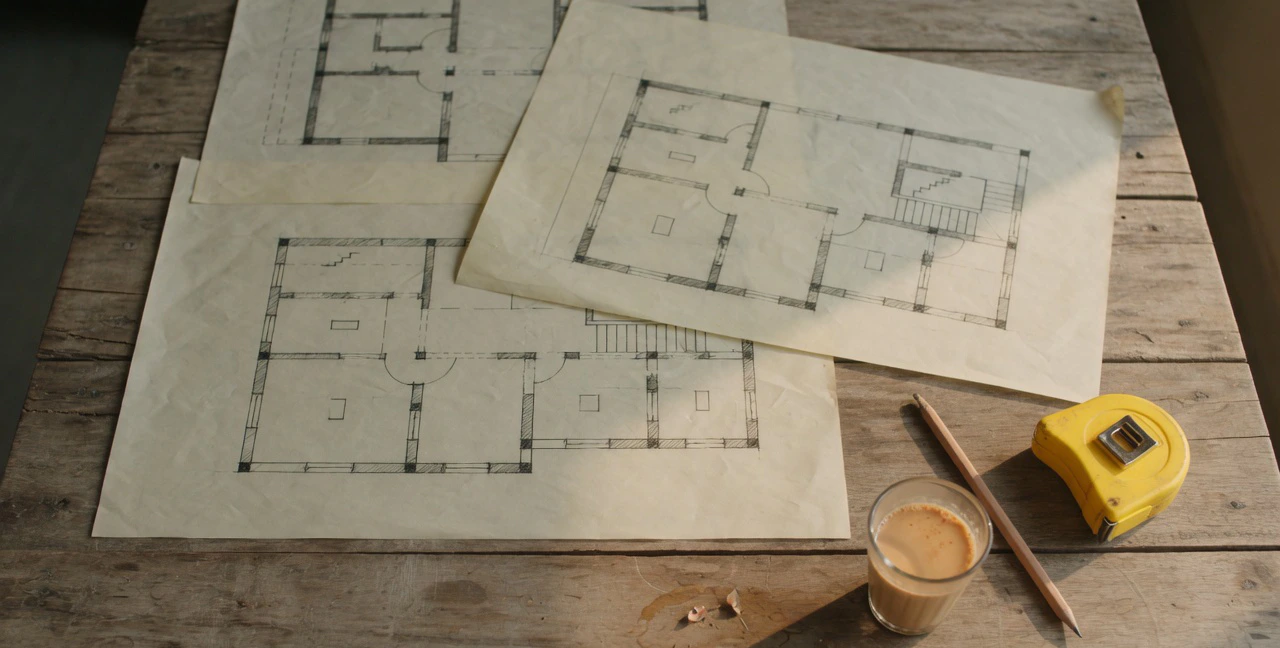
Drawing management software
Everyone builds from the right drawing.
A drawing register with versions, approvals and pinned site queries, open on any phone on site.
- 7-day free trial
- No credit card
- Cancel anytime
- Made in India
Drawing register, Versions, Version approval, Pins for site queries, Open on site
Old revisions on site cost money. CivilPilot keeps one register, with the approved version always on top.
Drawing management software, done properly.
Drawing register
Every drawing with its code, name and discipline, per project.
Versions
Upload new revisions and keep the full history.
Version approval
New versions go through approval before the site works from them.
Pins for site queries
Drop a pin on a drawing to raise a question and track it until it is closed.
Open on site
Engineers open the latest drawing from a phone browser.

Part of one project record.
- Works in any phone or computer browser
- Approvals with who, when and why
- Role-based access for every person
- Counts toward the project budget and P&L
Three steps. Every day.
- 01
Register drawings
Add drawings by code and discipline and upload the file.
- 02
Approve revisions
Each new version is approved before it becomes current.
- 03
Resolve queries
Site teams pin questions on the drawing; the office answers them there.
Better together.
Modules that share this project record.



Questions, answered
Still unsure? Book a 30-minute call and ask us anything about your sites.

Start counting what your sites really use.
Set up your first project today. Your site engineers can send their first daily report this afternoon.
- 7-day free trial
- No credit card
- Cancel anytime
- Made in India