


Construction software use cases
Built for the teams that run the sites.
Site engineers, project managers, accounts and owners each use CivilPilot for their part of the job.
- 7-day free trial
- No credit card
- Cancel anytime
- Made in India
A site engineer, a project manager and an accountant look at the same project and need three different things. CivilPilot gives each of them their own view of one shared record.
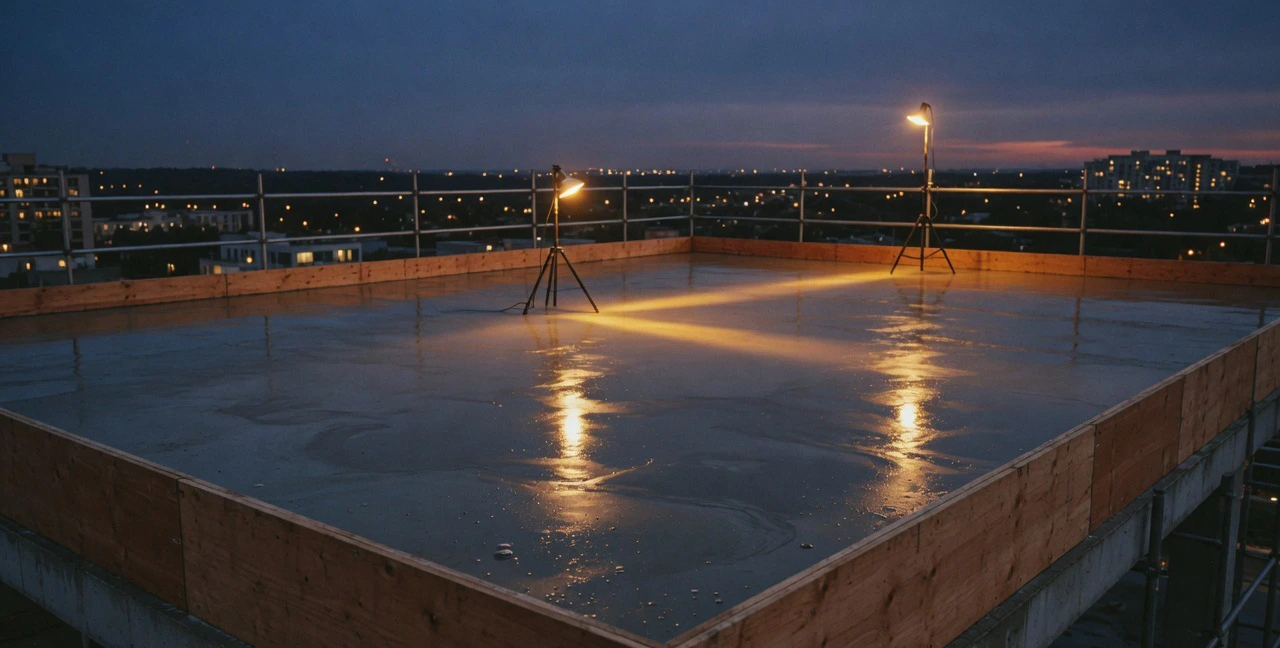
On site
Site engineers: report the day in minutes.
Attendance in the morning, the daily progress report in the evening, and material requests whenever they are needed, all from a phone browser.
- Daily progress with photos and quantities
- Attendance with check-in and overtime
- Material requests with a required date
- Issues raised from where they are found
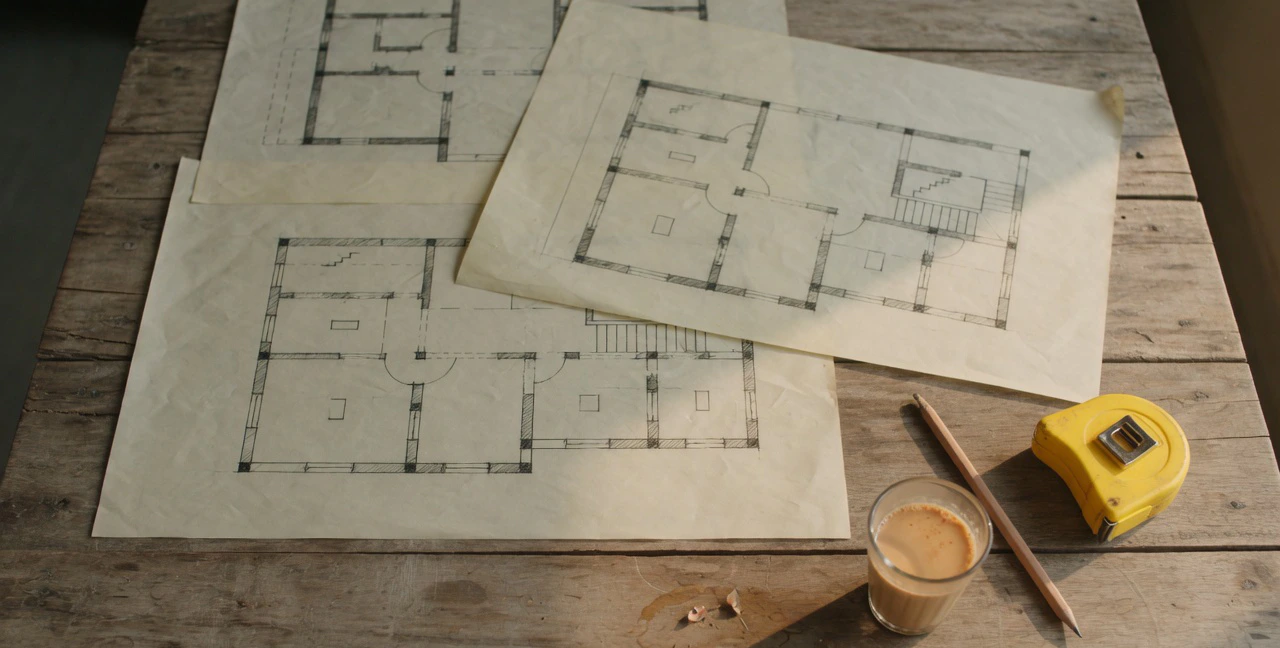
In the project office
Project managers: approve, plan and follow up.
See every site’s day, approve or send back reports and requests with a reason, and keep the schedule and drawings current.
- Approvals with who, when and why
- Tasks, Gantt and calendar
- Drawing register with approved versions
- Quality inspections and issues

In accounts
Accounts: stop chasing the site for bills.
Expenses arrive with receipts, purchase orders with goods received, and wage sheets from attendance, so the books follow the work.
- Expenses and payment requests
- Purchase orders and goods received
- Wage sheets and subcontractor RA bills
- GST invoices, payables and P&L
By business
Find your fit.
How different kinds of construction businesses use CivilPilot.



Start counting what your sites really use.
Set up your first project today. Your site engineers can send their first daily report this afternoon.
- 7-day free trial
- No credit card
- Cancel anytime
- Made in India