
A lorry of cement arrives at the gate, the driver hands over a challan, and someone signs it. Whether that signature means "400 bags counted and accepted" or "probably fine" decides whether you pay for material you never got. The goods receipt note (GRN) is the record that settles it. This guide explains what a GRN is in construction, the fields a good format carries, how to check a delivery before signing, and gives you a free Excel template.
What is a GRN in construction?
A goods receipt note is the site’s own record of what was physically received against a purchase order. It is prepared by the store keeper when the material arrives, checked by the site engineer, and filed with the delivery challan. It is not the supplier’s document: the challan says what the supplier claims to have sent; the GRN says what you counted, weighed and accepted.
A GRN does three jobs at once:
- Proof of delivery: what arrived, when, in which vehicle, and who received it.
- Stock entry: the accepted quantity is what goes into the site store. It is the “received” figure in your material reconciliation.
- Basis for payment: accounts should pay the supplier only for the quantity accepted on GRNs, at the PO rate.
Where the GRN fits in the purchase chain
| Document | Prepared by | What it records |
|---|---|---|
| Material request | Site engineer | What the site needs, how much and by when |
| Purchase order (PO) | Purchase or office | What is ordered from which supplier, at what rate |
| Delivery challan | Supplier | What the supplier says it has dispatched |
| Goods receipt note (GRN) | Store keeper, checked by site engineer | What was received, rejected and accepted |
| Supplier invoice | Supplier | What the supplier is billing, with GST |
The GRN is the only document in that chain written by someone who saw the material. That is why it sits at the centre of payment checks.
Run your procurement on CivilPilot
Purchase orders with approval, goods received in full or in part, and what you owe each vendor.
GRN format: the fields to include
| Part | Field | How to fill it |
|---|---|---|
| Header | GRN number and date | Running number per project, date of receipt |
| Header | Project or site | Where the material was delivered |
| Header | PO number and date | The order this delivery is against |
| Header | Supplier and GSTIN | As on the PO |
| Header | Challan number and date | From the supplier’s delivery challan |
| Header | Vehicle number | Useful when a delivery is disputed later |
| Line | Material, unit, PO quantity | Copied exactly from the PO line |
| Line | Received on earlier GRNs | So partial deliveries add up correctly |
| Line | Challan quantity | What the supplier says it sent |
| Line | Received quantity | What you counted or weighed at site |
| Line | Rejected quantity and reason | Damaged, wrong grade, failed check |
| Line | Accepted quantity | Received minus rejected; this goes into stock |
| Line | Balance to receive | PO quantity minus everything accepted so far |
| Sign-off | Received by, checked by | Store keeper and site engineer, with date |
Sample GRN: a partial cement delivery
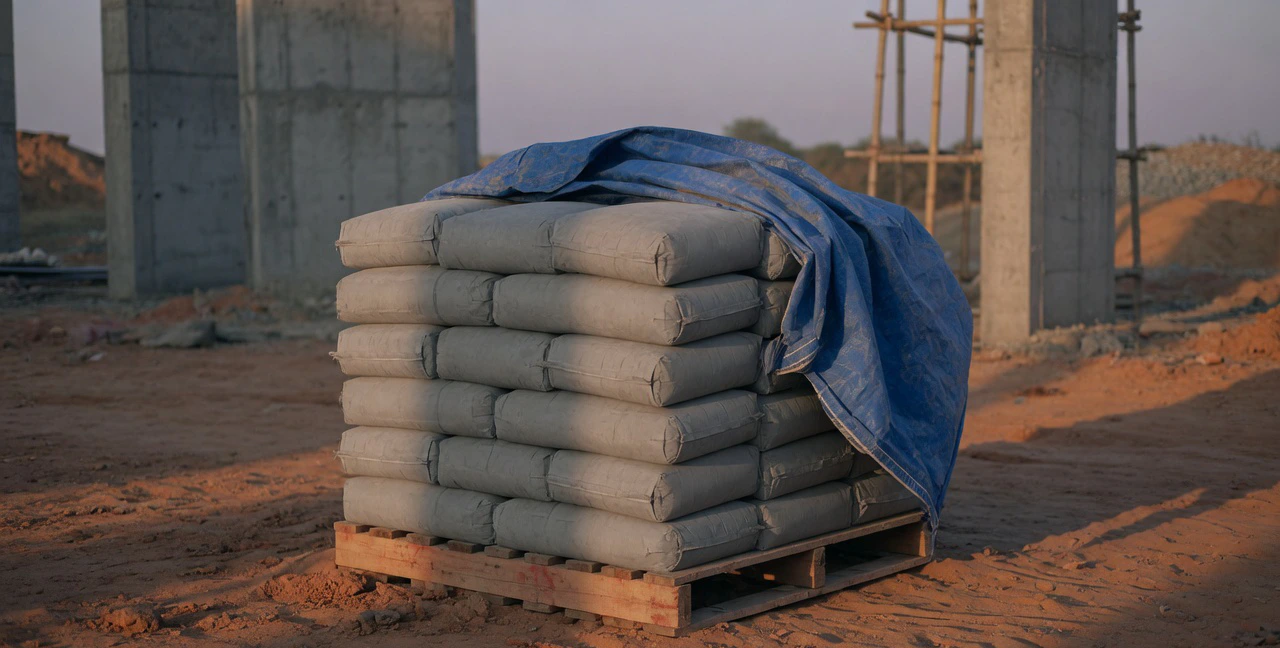
A PO for 1,000 bags of cement is being delivered in lots. 600 bags have already been received on earlier GRNs. Today’s challan says 400 bags. The figures are examples for illustration only.
| PO qty | Earlier GRNs | Challan | Counted | Rejected | Accepted | Balance on PO |
|---|---|---|---|---|---|---|
| 1,000 | 600 | 400 | 398 | 6 | 392 | 8 |
Two bags were short against the challan and six were torn, so the GRN accepts 392 bags, not 400. The supplier is told about the shortage and the rejection on the day, the remarks column records the reason, and the invoice should be passed for 392 bags. The PO still has 8 bags to come; a later delivery cannot be accepted beyond that without an amended PO.
Checks before you sign a GRN
- 1Match the delivery to an open PO. Material with no PO should not be unloaded without the office’s say-so.
- 2Check the material against the PO description: grade, size, brand and specification.
- 3Count bags and pieces; weigh steel or take the weighbridge slip; measure loose material such as sand and aggregate in the vehicle before unloading.
- 4Compare what you counted with the challan, and write the shortage on both the challan and the GRN.
- 5Set aside damaged or non-conforming material, record it as rejected with a reason, and get the driver to acknowledge it.
- 6Collect any test certificates the PO asks for, such as the mill test certificate for steel, and attach them to the GRN.
- 7Enter the GRN the same day, so stock and the PO balance are right before the next delivery.
The three-way match
Before a supplier invoice is paid, check three documents line by line: the PO (what you agreed to buy and at what rate), the GRN (what you accepted) and the invoice (what you are being billed). Quantity on the invoice should not exceed the accepted quantity on the GRNs, and the rate should match the PO. Any difference goes back to the supplier for a credit note or a corrected invoice before payment.
Common GRN mistakes
- GRN copied from the challan. Shortages are then paid for and show up later as unexplained stock losses.
- GRNs written at month-end. Nobody remembers the torn bags or the short lorry three weeks later.
- Receipts with no PO. Material arrives on a phone order, rates are argued at invoice time, and budgets never see the commitment.
- Rejected material left in the stack. It gets used, and the rejection is quietly reversed.
- Over-receipt accepted. Extra quantity beyond the PO is unloaded and billed without anyone approving it.
Do this in CivilPilot
In CivilPilot’s procurement, purchase orders carry the vendor, line items, quantities and rates, and are approved before they are sent. Goods are then received against the PO:
- Receive against the order: pick the PO and the screen shows each line’s ordered and remaining quantity. Enter what arrived now, in full or in part.
- No over-receipts: CivilPilot will not accept a received quantity that takes a line past what was ordered.
- PO status updates itself: the order moves to partially received or received as deliveries come in.
- Numbered receipts: each receipt gets a GRN number for the project, with the date, who received it and your notes.
- Stock updates on receipt: in material and inventory, received material is added to that project’s stock, and every receipt and issue to site appears in the material’s movement ledger.
CivilPilot records the quantity you receive, so enter only what you have accepted. It does not have separate fields for challan number, vehicle or rejected quantity; put those in the receipt notes and keep the signed challan on file. It all runs in a phone browser, so the store keeper can record receipts at the gate.